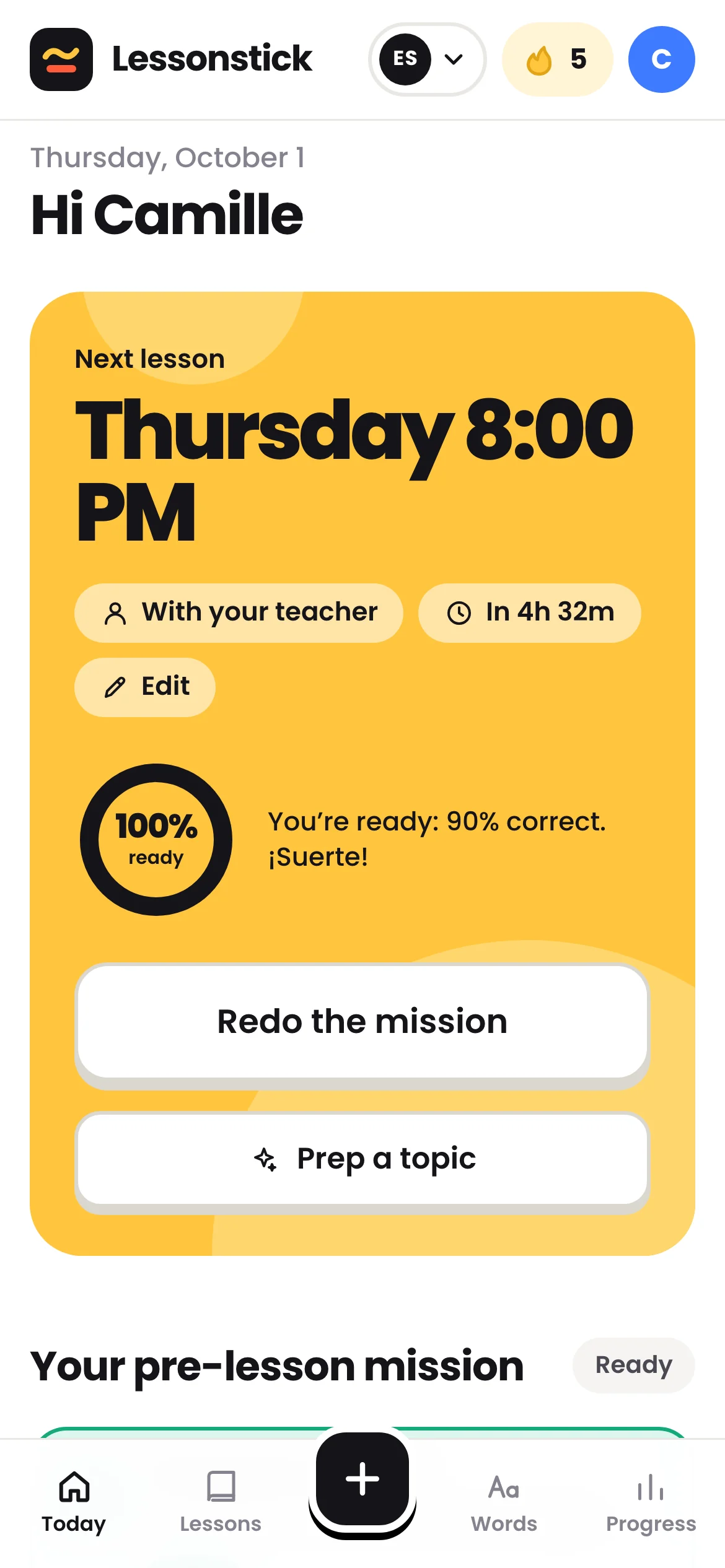
Their mission and score
Did they review before your lesson? How did it go, and what did they miss?
NewFor language teachers
Between lessons, they forget. With Lessonstick, their notes become exercises, and you see where they’re stuck before the call.
Free for teachers
Learning a language? See Lessonstick for studentsA page for each student, built from their lessons and their answers.
Did they review before your lesson? How did it go, and what did they miss?
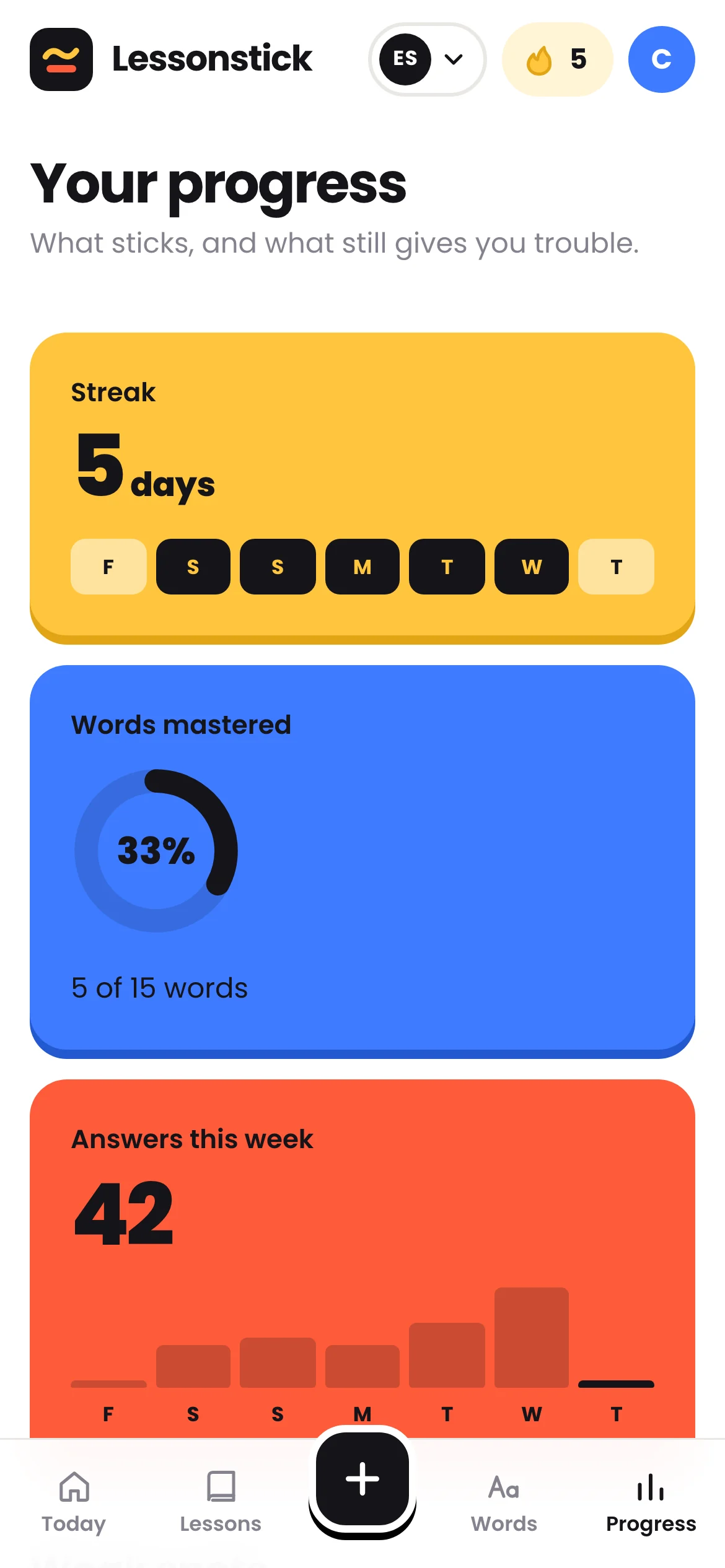
Grouped by language point, from the shakiest to the nearly mastered.
Plus the questions they’ve prepped, so you know where to start the call.
Your students sign up with your link and appear in your space, sorted by next lesson.
All it takes is your email: you get a code, no password. It’s free.
One link for all your students, ready to paste into your welcome message. Students can invite you too.
One minute is enough to see where they stand and build the lesson around what’s holding them back.
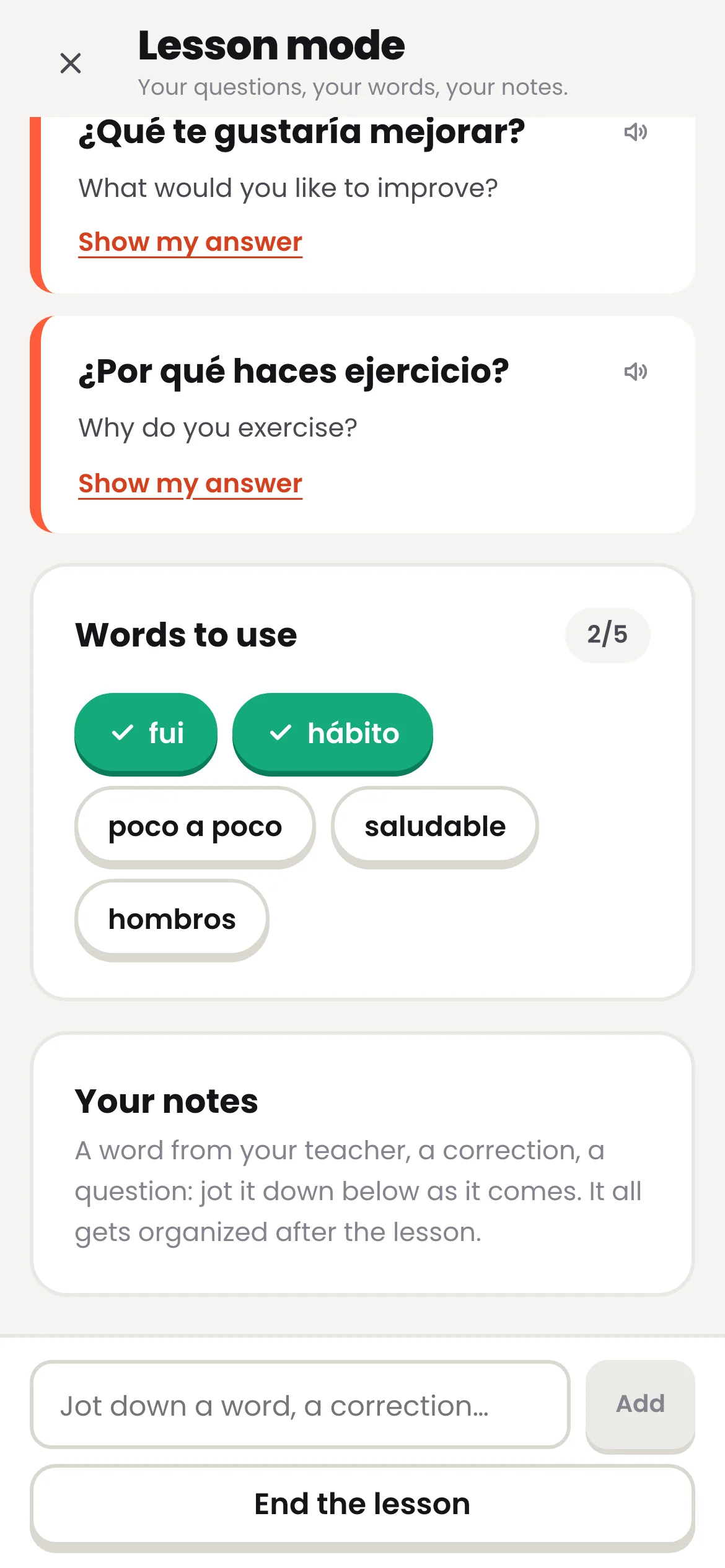
You recommend the app; here’s what they’ll find, shown with Spanish lessons. Their notes from your lessons turn into exercises.
Another question? Open your space: it costs nothing.
No. The teacher space is free, and will stay free. For your students, Lessonstick is free during the beta.
Your first name, nothing else. Never your email.
Students choose to share. You only see their lessons in the language you teach: not their email, not the notes they take during the lesson. They can remove you at any time.
No. Lessonstick doesn’t handle booking or payment. It’s for reviewing between lessons, wherever they happen: Preply, italki, Zoom or in person.
Open your space, copy your link, send it. They’ll show up to the next lesson with their mission done.
Open my teacher space